By Rhys Dyson, Constructiv Digital. Last updated 21 October 2026.
Construction companies turn completed jobs into leads by photographing every project before, during and after from the same angles, then publishing those sets as project pages, Google Business Profile updates, social posts and ad creative. Before-and-after photos prove what you can do in a way no claim can, and they keep working long after the job is finished.
This guide covers how to shoot before-and-after photos on site, where to use them, and how to make sure they bring in enquiries rather than sitting in someone's camera roll. Our content services team builds project content like this for construction businesses across Australia.
In this article
- Why do before-and-after photos win construction work?
- How do you take good before-and-after construction photos?
- Where should you use before-and-after project photos?
- How do you turn a photo set into a project page that ranks?
- What should you check before posting client project photos?
- Frequently asked questions
Why do before-and-after photos win construction work?
Every construction buyer has the same worry: will this business actually deliver? A before-and-after pair answers that in seconds. It shows the starting condition, the finished result and, by implication, everything in between.
They work across every type of construction business. A landscaper shows a bare yard turned into a finished garden. A renovator shows a dated kitchen replaced. A civil contractor shows raw land becoming a finished subdivision. BTP Civil's capability statement does this across its Brisbane projects, walking developers through each stage from vegetation clearing to finished roads and landscaping.
They also help your marketing technically. Project photos give Google fresh, original images to index, give your Google Business Profile regular updates, and give social media the content that consistently earns the most engagement in construction.

How do you take good before-and-after construction photos?
You don't need a professional photographer for every job. A modern phone and a consistent routine do most of the work.
- Shoot the before on day one. Before any machine arrives or anything is removed. This is the photo most businesses forget.
- Pick three to five fixed angles. Note where you stood, or mark it, so the after shots match exactly.
- Keep the phone level and landscape. Stand at the same height each time and hold the phone horizontal.
- Match the light. Shoot before and after at a similar time of day. Early morning and late afternoon are best; harsh midday light flattens detail.
- Capture progress stages. Excavation, formwork, services, frame, fit-out. These make strong "during" content and show your process.
- Clean up before the after shot. Remove bins, tools, tape and vehicles. A tidy site photographs as a finished job.
- Take a few detail shots. Joins, finishes and materials show quality in a way wide shots can't.
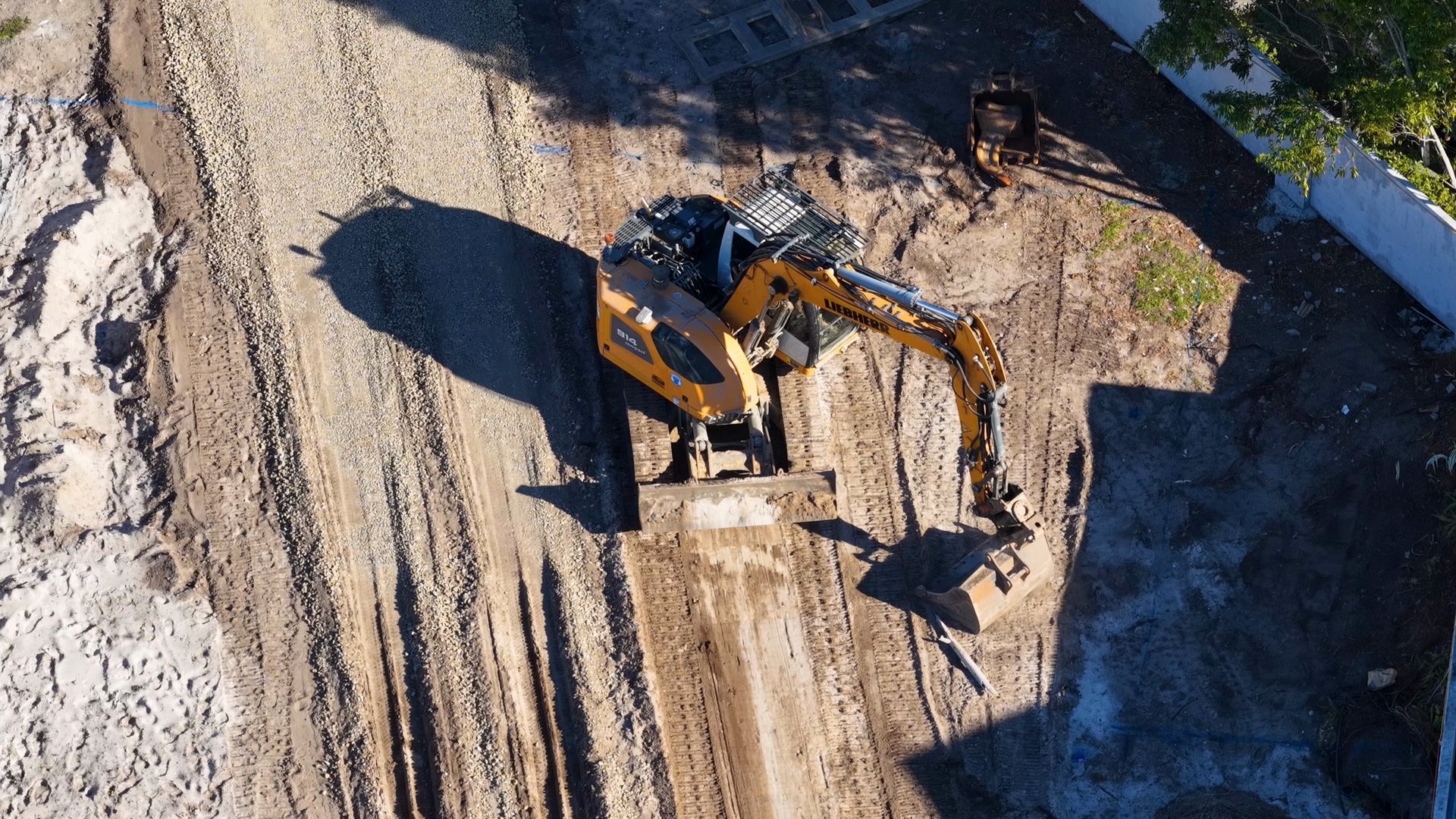
- Book a professional for your best jobs. For flagship projects, professional photography and drone footage are worth the cost.
Where should you use before-and-after project photos?
| Where |
How to use them |
Why it works |
| Website project pages |
One page per project with the full set and a short write-up |
Ranks for local and service searches; proves capability |
| Service pages |
Two or three pairs relevant to that service |
Builds trust at the point of enquiry |
| Google Business Profile |
Upload photos and a short update after every job |
Keeps the profile active and supports map rankings |
| Instagram and Facebook |
Carousel posts and before-and-after reels |
Consistently the highest-engagement construction content |
| Ads |
Real project images in Facebook and display ads |
Outperforms stock imagery because it's genuine |
| Quotes and capability statements |
A comparable project included with each proposal |
Shows the client exactly what they'll get |
For more on keeping your profile active, read how to use Google Business Profile to generate construction leads.
How do you turn a photo set into a project page that ranks?
- A descriptive title. "Bathroom renovation in Paddington" beats "Project 14".
- A short write-up. The brief, the challenge, what you did, materials used and how long it took. 200 to 400 words is enough.
- Location and service. Mention the suburb and link to the relevant service page.
- Descriptive file names and alt text. For example, "before-kitchen-renovation-paddington.jpg" with alt text that describes the photo.
- Compressed images. Large, uncompressed photos slow your site down, which hurts both rankings and enquiries.
- A client quote if you have one. A line from the client adds real weight to the photos.
- A clear next step. "Planning something similar? Get a quote."
For writing the case study side of it, see how to use project case studies on your construction website.
What should you check before posting client project photos?
- Get permission. Ask the client, ideally in writing or in your contract terms, before publishing photos of their home or site.
- Protect privacy. Avoid house numbers, street signs, number plates, people's faces and anything inside a home that identifies the owner.
- Show safe work. Any "during" photo with workers in it should show correct PPE and safe practice, because prospective clients and regulators notice.
- Respect head contractor rules. On commercial and civil sites, check the head contractor's media policy before posting.
Frequently asked questions
Do before-and-after photos help SEO?
Yes. Original photos on well-written project pages give Google unique content to index, and descriptive file names and alt text help those pages and images appear in search.
Can I use my phone for construction photos?
Yes. A modern phone is fine for most jobs if you shoot level, in good light and from consistent angles. Use a professional for flagship projects.
How many photos should a project page have?
Usually six to fifteen: a few before, a few progress shots, several after shots and some detail images.
Do I need permission to post photos of a client's project?
You should always get the client's permission, and avoid anything that identifies their address or personal details.
Want your completed projects working harder for you? Talk to our content services team or get in touch with Constructiv Digital.